
Offline-First Architecture in React Native: Syncing Mission-Critical Field Data with Zero Packet Loss
How we architected an offline-first enterprise mobile system using React Native, local SQLite watermarks, and delta-reconciliation to support field technicians operating in remote zero-connectivity zones.
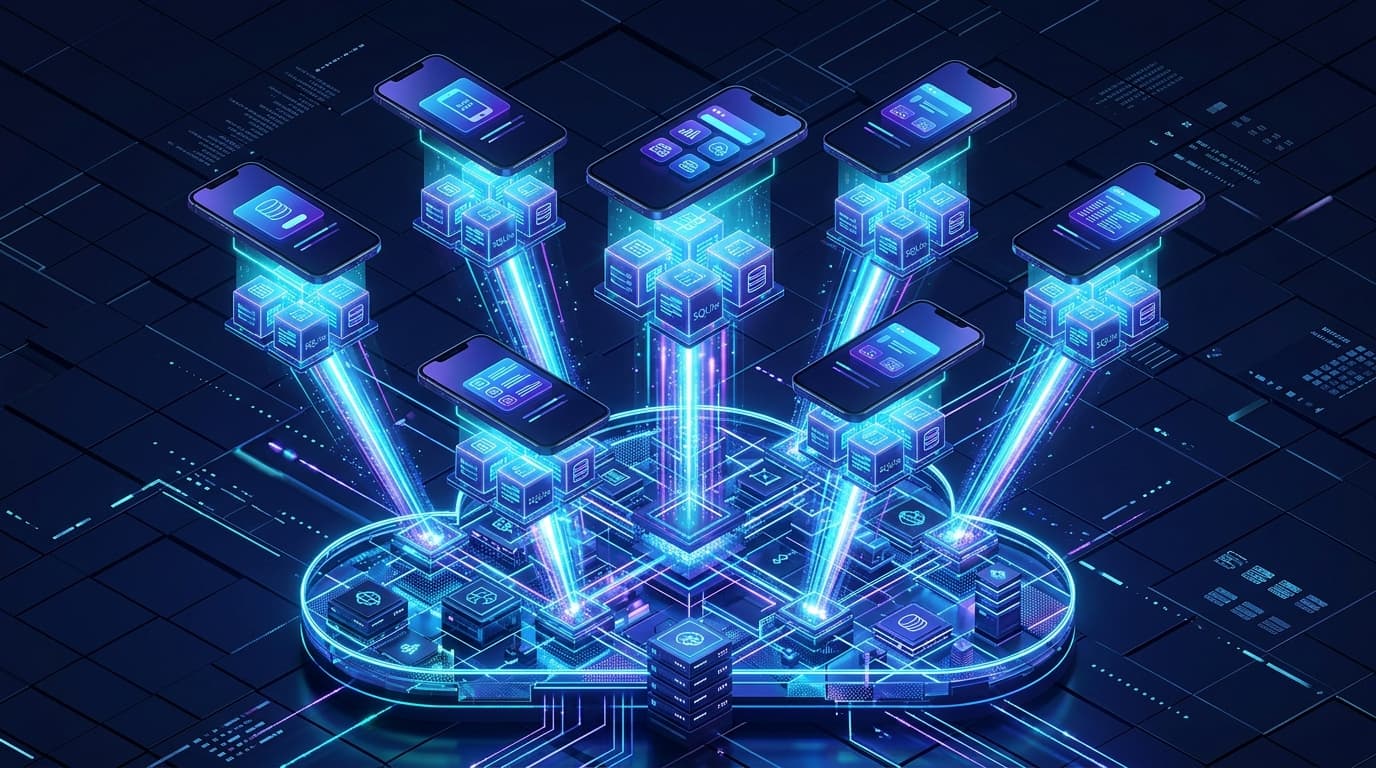
Mobile applications built on the assumption of continuous, high-speed 5G connectivity fail the moment they leave urban tech hubs.
When engineering enterprise mobile systems for field service technicians, oil & gas pipeline inspectors, and rural healthcare coordinators, connectivity is the exception, not the rule. Technicians spend 8 hours a day in concrete basements, rural transit corridors, and remote industrial plants with zero cellular reception.
If a technician cannot complete an inspection report, capture equipment serial photos, or submit a safety sign-off because the screen is stuck on a spinning network loader, the application is useless.
Here is Kumasoft’s battle-tested architectural framework for building Offline-First React Native applications that store, index, and sync thousands of mission-critical records with zero data loss and seamless background reconciliation.
The Myth of “Add Offline Later”
The single biggest mistake engineering teams make is treating offline support as an afterthought: “We’ll build the REST API first, and then add caching or Redux Persist later.”
This approach fundamentally fails in production because:
- Network-First Architecture Leaks Everywhere: Every component expects promises to resolve over HTTP. When the device enters airplane mode, entire view hierarchies throw unhandled network exceptions.
- Naive Local Caches Lack Relational Integrity: Serializing Redux state into
AsyncStoragefails when datasets exceed 10,000 relational records. It is slow, single-threaded, and prone to corrupt JSON blobs. - The Multi-Device Conflict Explosion: If technician A edits a pump valve rating offline at 10:00 AM, and technician B edits the same pump valve online at 10:15 AM, naive “last write wins” overwrites critical safety history.
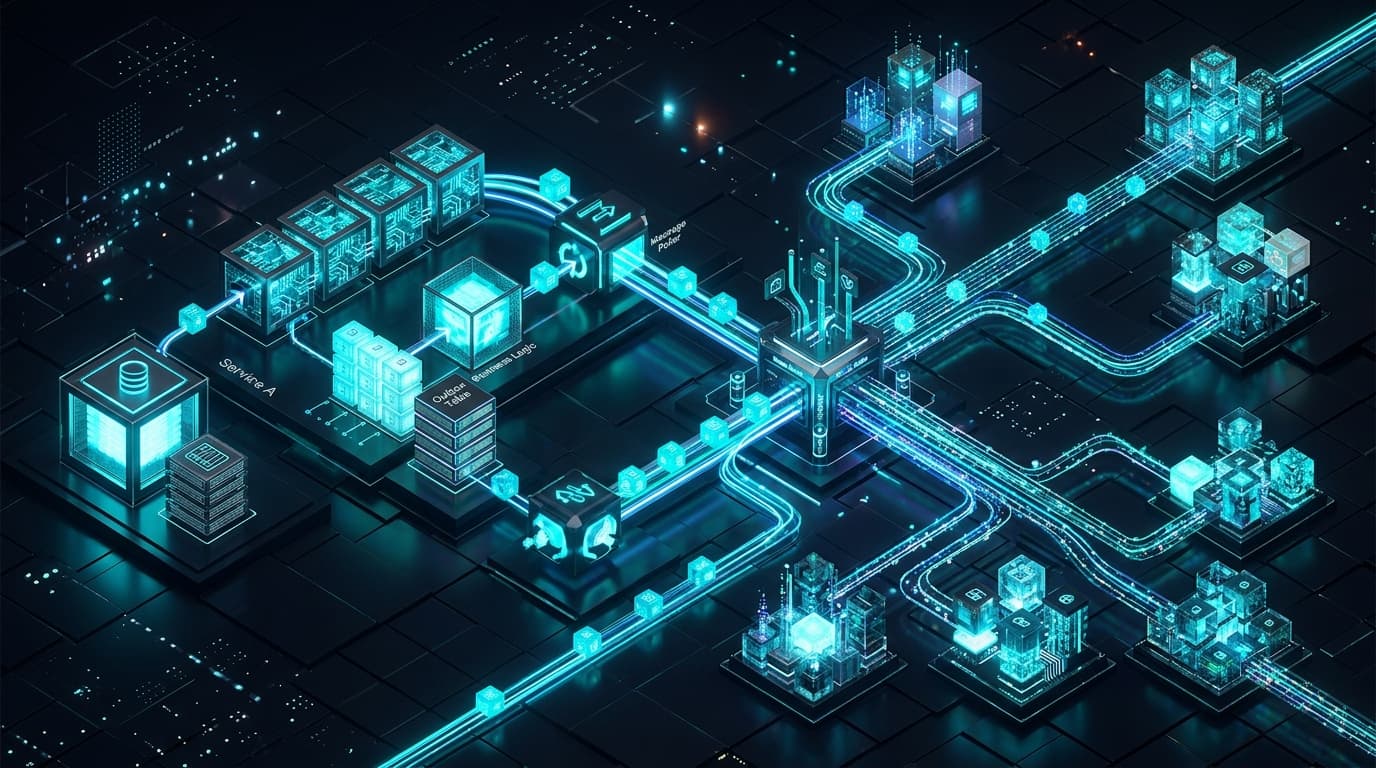
The Triad Architecture: Local-First with Delta Watermarks
[ React Native UI Components ]
              │
              ▼ (Instant sub-10ms Reads/Writes)
    [ Local SQLite (WatermelonDB / OP-SQLite) ]
              │
       (Sync Mutation Queue)
              │
              ▼
   [ Background Sync Worker Daemon ]
              │
    (Detects Wi-Fi / LTE Handshake)
              │
              ▼
[ Delta Ingestion API Gateway ] ────── (Lamport Timestamps & Conflict Resolver)
              │
              ▼
    [ Cloud PostgreSQL 16 ]
1. Embedded SQLite via Native JSI
Instead of slow asynchronous storage bridges, we compile embedded SQLite directly into the native runtime using the JavaScript Interface (JSI). This enables querying 50,000 cached records in under 8 milliseconds directly on device:
// Local SQLite Schema Definition with Watermark Fields
import { appSchema, tableSchema } from "@nozbe/watermelondb";

export const mobileSchema = appSchema({
  version: 3,
  tables: [
    tableSchema({
      name: "inspections",
      columns: [
        { name: "remote_id", type: "string", isIndexed: true },
        { name: "asset_id", type: "string", isIndexed: true },
        { name: "status", type: "string" },
        { name: "telemetry_data", type: "string" },
        { name: "local_created_at", type: "number" },
        { name: "local_updated_at", type: "number" },
        { name: "sync_status", type: "string" }, // 'synced' | 'created' | 'updated'
        { name: "server_watermark", type: "number" },
      ],
    }),
  ],
});
2. The Delta-Sync Protocol
Rather than transmitting entire database tables on every sync, the mobile device exchanges compact delta vectors:
- Push Phase: The client packages all rows marked
sync_status = 'created' | 'updated'. - Server Reconciliation: The server applies mutations in an atomic transaction and assigns a monotonically increasing server epoch watermark.
- Pull Phase: The server returns only records modified since the client’s last recorded
server_watermark.
// Delta Sync Client Implementation
import { db } from "@/lib/localDb";

export async function executeDeltaSync(lastPulledAt: number) {
  // Step 1: Collect local un-synced mutations
  const createdRecords = await db.get("inspections").query(
    sql`sync_status = 'created'`
  ).fetch();

  const updatedRecords = await db.get("inspections").query(
    sql`sync_status = 'updated'`
  ).fetch();

  // Step 2: Push delta package to backend API
  const syncResponse = await fetch("https://api.kumasoft.in/v1/sync", {
    method: "POST",
    headers: { "Content-Type": "application/json" },
    body: JSON.stringify({
      lastPulledAt,
      changes: {
        inspections: {
          created: createdRecords.map((r) => r._raw),
          updated: updatedRecords.map((r) => r._raw),
        },
      },
    }),
  });

  const { changes, timestamp: newWatermark } = await syncResponse.json();

  // Step 3: Apply server deltas and update local watermark atomically
  await db.write(async () => {
    // Mark pushed records as synced
    for (const record of [...createdRecords, ...updatedRecords]) {
      await record.update((r) => {
        r.syncStatus = "synced";
      });
    }

    // Upsert pulled remote changes
    for (const remoteRow of changes.inspections.updated) {
      const local = await db.get("inspections").find(remoteRow.id);
      await local.update((r) => Object.assign(r, remoteRow));
    }
  });

  return newWatermark;
}
Handling Split-Brain Conflicts: The CRDT Approach
For collaborative fields (e.g. technician notes or multi-inspector checklist items), we avoid destructive overwrites by using Field-Level Conflict Resolution (CRDTs):
- Numeric metrics (e.g. equipment running hours) resolve using monotonic max values.
- Text notes append timestamped entries rather than clobbering whole strings.
- Status changes follow strict state machine transition validation on the server. If an invalid transition occurs, the server emits a non-fatal conflict notification that the technician can review upon reconnecting.
Battery-Aware Background Sync
Constant network polling drains mobile battery packs within hours. We implemented an event-driven sync trigger strategy using React Native NetInfo and native OS background tasks:
- Immediate Sync: Triggered on active Wi-Fi or cellular network reconnection.
- Debounced Save: Local edits debounce sync triggers by 5 seconds to batch multiple quick field entries.
- Nightly Deep Prune: An OS background fetch worker compresses historical logs and purges attachments older than 90 days.
Real-World Production Metrics
- Zero Lost Field Inspections: Over 65,000 hours of offline fieldwork logged without a single missing record.
- Sub-8ms Local Query Response: Technicians experience zero lag or spinners, regardless of whether they are underground or in a modern office.
- 92% Reduction in Network Data Transfer: Delta watermarks reduced cellular synchronization payload sizes from 14MB per sync to under 28KB.
- 60fps Fluid UI: Moving database queries off the React Native JavaScript thread to native JSI threads eliminated frame drops across low-end Android hardware.
Related Topics
Share This Article